Best Apps to Control LED Lights (Bluetooth & Wi‑Fi)
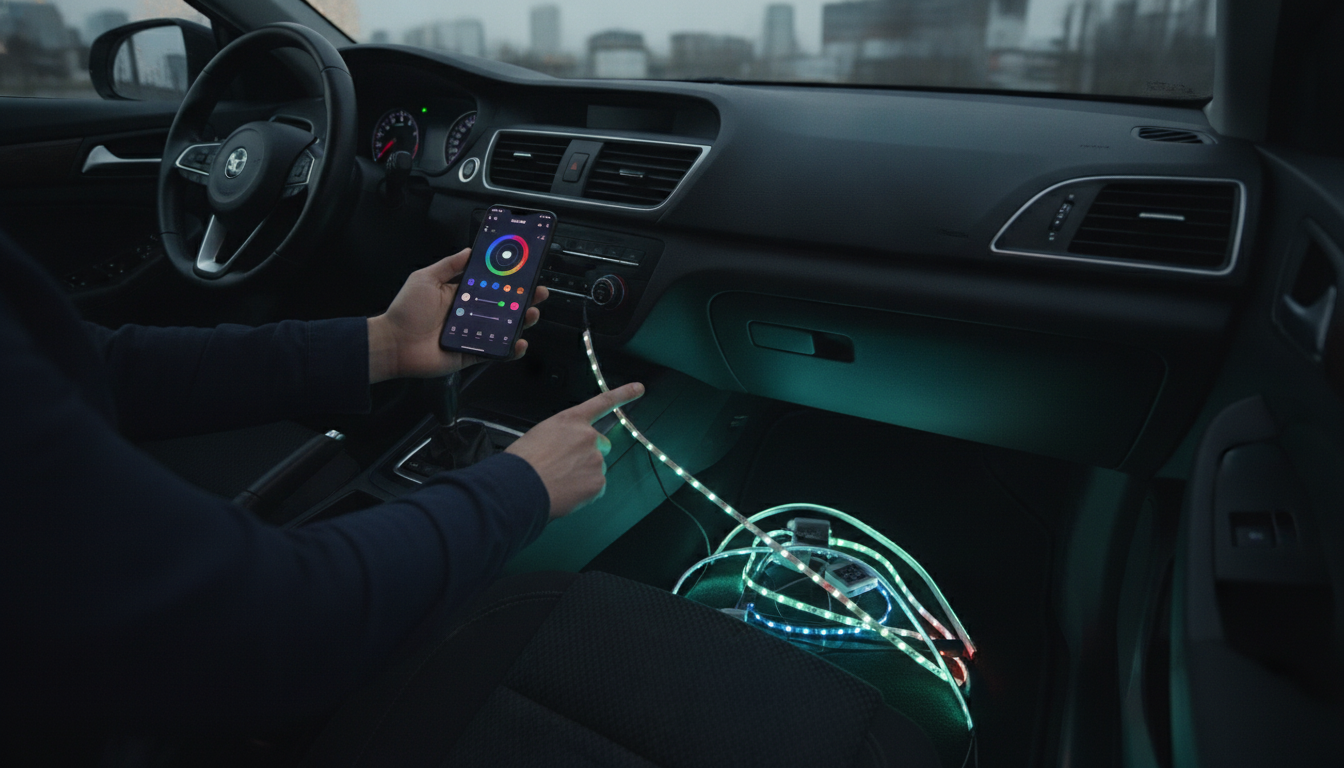
Is there an app I can download to control my LED lights?
Yes—many LED lights can be controlled from a phone app, as long as the lights (or their controller) support app-based control. Most app-controlled LED setups connect in one of three ways: Bluetooth (simple, short-range), Wi‑Fi (best for control from anywhere and smart home integration), or through a hub/bridge that links the lights to your network.
How to tell if your LED lights support an app
Start with the packaging or product listing. Look for phrases like “Bluetooth app,” “Wi‑Fi app,” “smart LED,” or “works with Alexa/Google Assistant.” Many light strips also have a QR code in the manual that leads directly to the correct app. If your kit only has an inline remote and no mention of Bluetooth/Wi‑Fi, it may not support app control unless you replace the controller with a compatible smart controller.
What you can do with an LED control app
Depending on the model, the app can let you dim brightness, change colors, adjust white temperature, save custom scenes, sync to music, and set schedules or timers. Wi‑Fi models often add grouping (control multiple rooms at once) and voice assistant support. Bluetooth models usually respond faster nearby, but they typically won’t work when you’re away from home.
Quick setup tips for a smoother connection
Enable Bluetooth or connect your phone to the same 2.4GHz Wi‑Fi network your lights use (many smart LEDs don’t support 5GHz). Keep the controller powered during pairing, and allow location permissions if the app requests them (common for Bluetooth scanning on smartphones). If pairing fails, reboot the controller, close and reopen the app, and try again within a few feet of the receiver.
For a deeper walkthrough on picking the right app and matching it to your specific LED setup, visit https://elegalle.com/is-there-an-app-i-can-download-to-control-my-led-lights/.
FAQ
Why won’t my LED lights connect to the app?
Common causes include using the wrong app, the lights only supporting 2.4GHz Wi‑Fi, Bluetooth being off, or the controller not being in pairing mode. Power-cycle the controller, verify the network band, and confirm the model’s app name in the manual or packaging.











Leave a comment