Headphones or Special Apps for Audio Downloads?
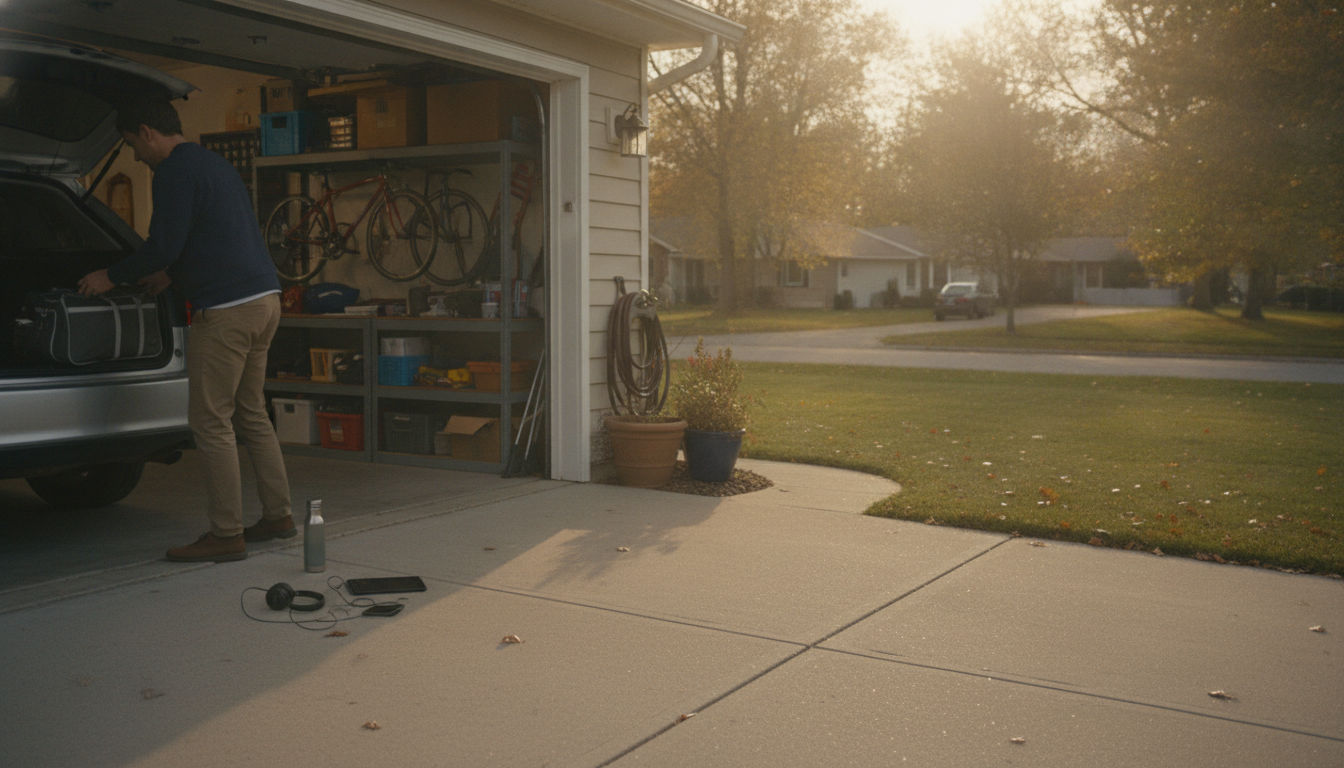
Do I need headphones or special apps to use a digital download audio program?
Most digital download audio programs are designed to work with what you already have: a phone, tablet, or computer and a standard media player. In many cases, you can press play using built-in apps like Apple Music/iTunes, Files + a player app, Windows Media Player, or any common MP3/M4A player—no special software required.
Do I need headphones?
Headphones aren’t required, but they can improve the experience. If the audio includes quiet details, guided prompts, or stereo effects, headphones help you hear everything clearly and minimize distractions. That said, many people listen through phone speakers, computer speakers, a Bluetooth speaker, or a car audio system with no problem.
Do I need a special app?
Usually, no. If the download is a standard format (like MP3 or M4A), any reputable audio player can handle it. A special app is only needed when the program is delivered through a proprietary platform (for example, a membership portal app) or uses uncommon file types.
What should I check before you buy or download?
Confirm the file format and where you’ll be listening. If you plan to use a phone, make sure you can easily access the file (via your Downloads folder, Files app, or cloud storage) and that your device supports the format. If you’re using Bluetooth headphones or speakers, ensure they’re paired and charged so playback is seamless.
How do I get the smoothest playback?
Download the audio to your device (instead of streaming from a browser tab), keep the file in a folder you can find quickly, and test volume levels before you start. If you prefer uninterrupted listening, turn on Do Not Disturb or Airplane Mode (after downloading) to reduce notifications.
For more details on device compatibility and listening options, visit the main guide: https://elegalle.com/do-i-need-headphones-or-special-apps-to-use-a-digital-download-audio-program/.
FAQ
Can I listen to a digital audio download offline?
Yes, as long as you download the file to your device first. Once it’s saved locally, you can play it without Wi‑Fi or cellular data.













Leave a comment